ITR-V (Income Tax Return - Verification) is an acknowledgment form that is generated after you file your Income Tax Return. It serves as proof of filing and must be e-verified or physically verified within 120 days of filing. This guide will help you understand how to download ITR-V and complete the verification process.
What is ITR-V?
ITR-V is a one-page acknowledgment form that contains:
Your acknowledgment number
PAN
Assessment Year
Date of filing
A bar code for verification
Instructions for verification
ITR-V is generated when you file your return without digital signature. It must be verified to complete the filing process.
When is ITR-V Generated?
ITR-V is generated in the following cases:
When you file ITR without digital signature
When you file ITR using e-filing portal without DSC
When you file ITR using offline utility and upload JSON file
Note: If you file ITR with digital signature (DSC) or e-verify immediately after filing, ITR-V is not required.
Step-by-Step Guide to Download ITR-V
Step 1: Login to Income Tax e-Filing Portal
Visit www.incometax.gov.in and log in using your PAN, password, and OTP sent to your registered mobile number or email.
Step 2: Navigate to e-File Menu
After logging in, click on "e-File" in the top menu, then select "Income Tax Returns" > "View Filed Returns".
Step 3: Select the Assessment Year
You will see a list of all filed returns. Select the Assessment Year for which you want to download ITR-V.
Step 4: Download ITR-V
Click on the "Download" button or "ITR-V" link next to the relevant return. The ITR-V will be downloaded as a PDF file.
Alternative Method: Email Download
ITR-V is also sent to your registered email ID immediately after filing. Check your email inbox (and spam folder) for the email from Income Tax Department with subject "ITR-V for AY [Year]".
How to Verify ITR-V
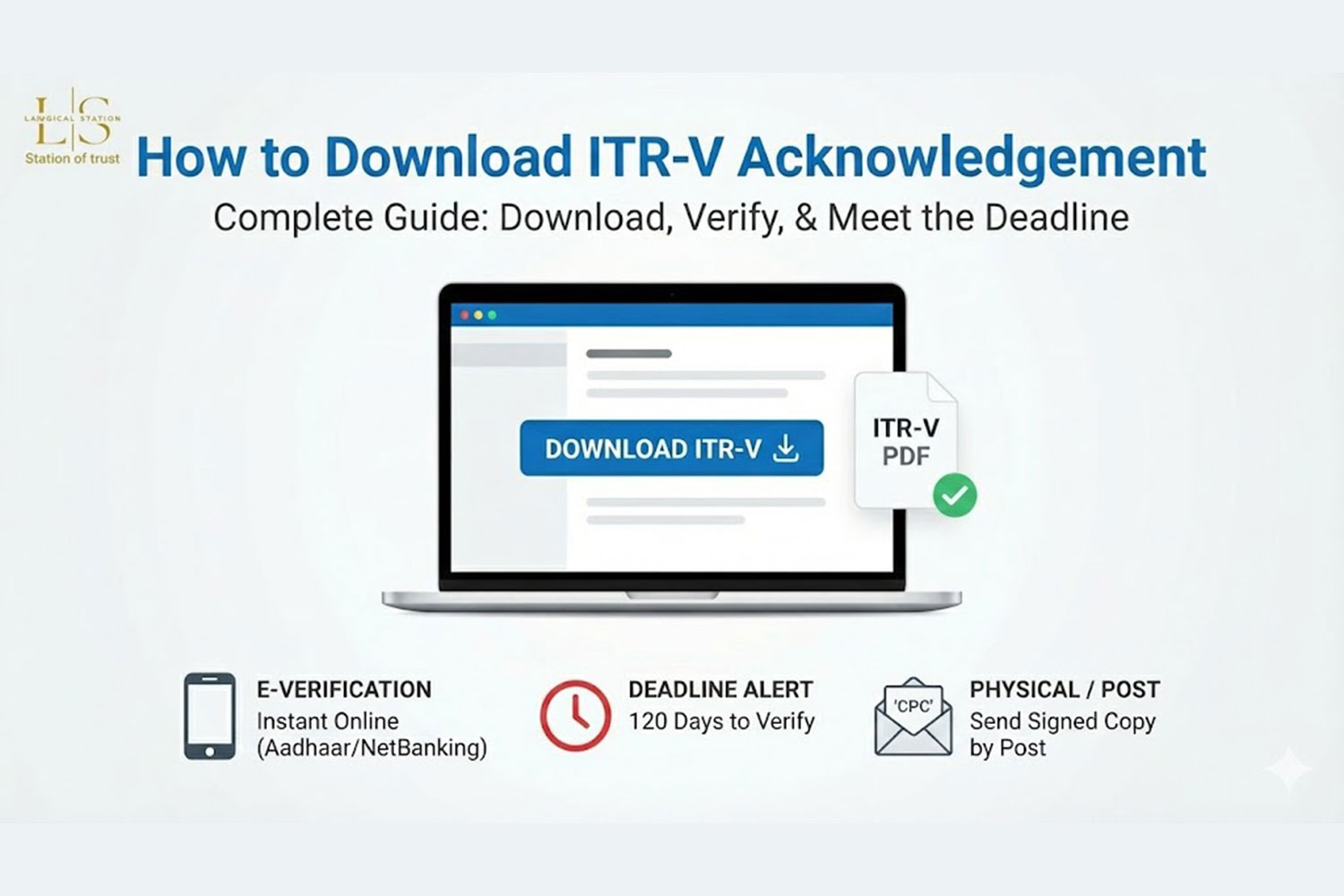
You have 120 days from the date of filing to verify your ITR. There are two methods:
Method 1: E-Verification (Recommended)
E-verification is the fastest and most convenient method. You can e-verify using:
Aadhaar OTP: Enter Aadhaar number and verify with OTP sent to registered mobile
Net Banking: Login through your bank's net banking facility
Bank Account Number and IFSC: Verify using bank account details
Demat Account: Verify using your Demat account credentials
Bank ATM: Generate EVC through ATM of your bank
Steps for E-Verification:
Login to e-filing portal
Go to "e-File" > "Income Tax Returns" > "e-Verify Return"
Select the return you want to verify
Choose your preferred e-verification method
Complete the verification process
You will receive confirmation once verification is successful
Method 2: Physical Verification
If you cannot e-verify, you can send a signed ITR-V by post:
Download and print ITR-V
Sign the ITR-V in blue ink
Send it by speed post to: Income Tax Department - CPC, Post Bag No. 1, Electronic City Post Office, Bangalore - 560100, Karnataka
Ensure it reaches within 120 days of filing
Keep proof of posting (tracking number)
Important Points to Remember
ITR-V must be verified within 120 days of filing the return
If not verified within 120 days, the return will be treated as invalid
E-verification is instant and recommended over physical verification
You can download ITR-V multiple times if needed
ITR-V contains a bar code that should not be tampered with
Keep a copy of verified ITR-V for your records
Consequences of Not Verifying ITR-V
If you fail to verify ITR-V within 120 days:
Your return will be treated as never filed
You may face late filing penalty under Section 234F
Interest on tax liability will continue to accrue
You will need to file a belated return
Refund processing will be delayed
Carry-forward of losses will not be allowed
How to Check ITR-V Verification Status
To check if your ITR-V is verified:
Login to e-filing portal
Go to "My Account" > "View e-Filed Returns"
Check the status column - it will show "Verified" if successfully verified
You can also check under "e-Verify Return" section
Troubleshooting Common Issues
ITR-V Not Received in Email
Check spam/junk folder, verify registered email ID in profile, or download directly from the portal.
Cannot E-Verify
Ensure your Aadhaar is linked to PAN, bank account is pre-validated, or use physical verification method.
ITR-V Download Link Not Working
Try clearing browser cache, use a different browser, or contact IT helpdesk for assistance.
Best Practices
E-verify immediately after filing to avoid forgetting
Keep a digital copy of ITR-V for records
Set a reminder for the 120-day deadline
Verify email and mobile number are updated in your profile
Use e-verification instead of physical post for faster processing